A thoughtful desk upgrade can make everyday work, calls, and creative projects feel more comfortable and organized.
These 14 home office tech gifts include practical picks for creators, remote workers, and people who want a more capable workspace.
14 Home Office Tech Gifts for Remote Workers and Creators
SABRENT USB-C 6-Port Hub & M.2 SSD Dock

- Adds USB ports, power delivery, networking, and an M.2 SSD slot.
- Supports extended or mirror display modes through HDMI.
- Includes Gigabit Ethernet for a wired network connection.
Best Gift For: A laptop user who needs one compact connection point for peripherals, an external display, and portable storage.

SHOKZ OpenRun Pro Bone Conduction Headphones
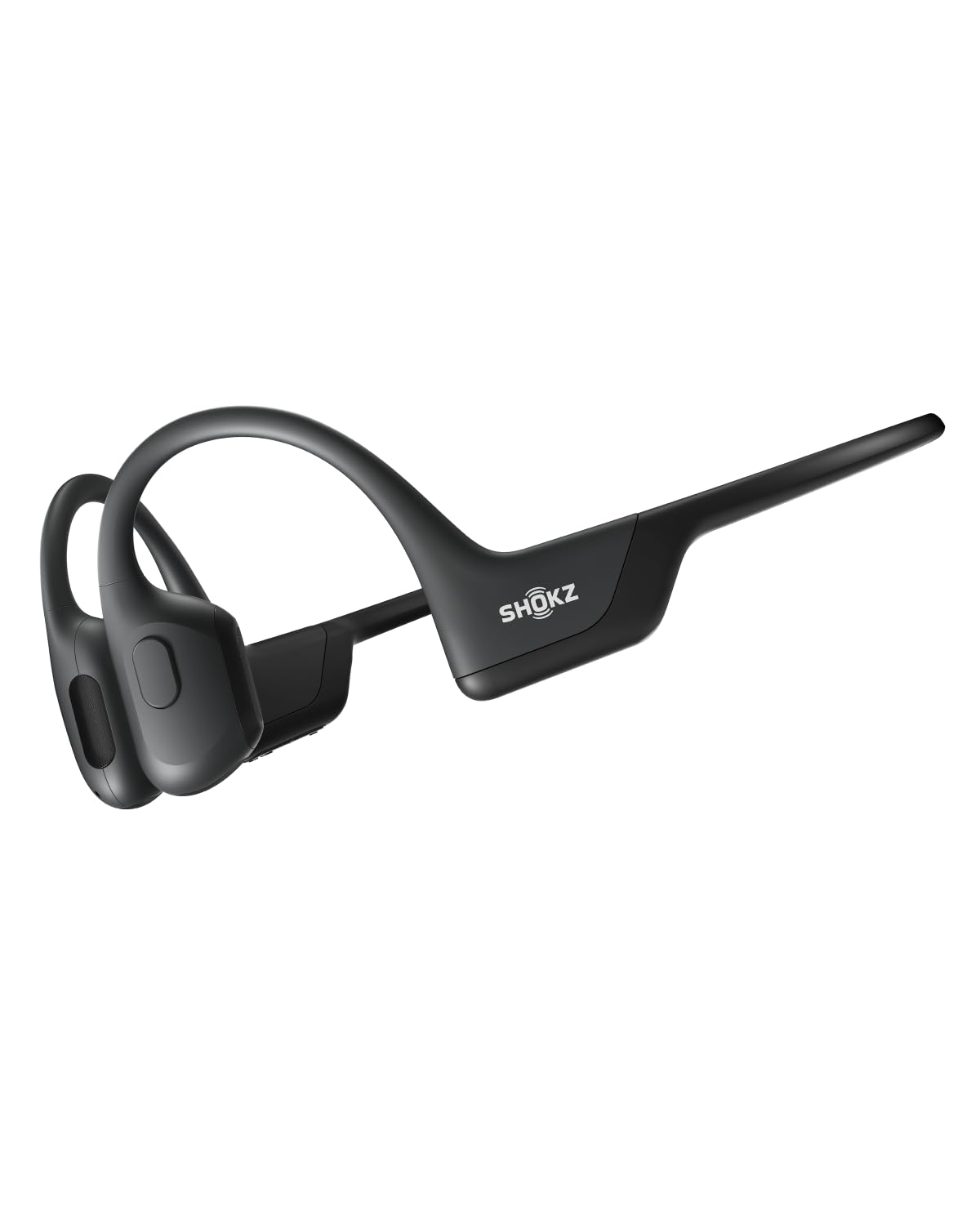
- Open-ear design avoids in-ear headphone buds.
- Wraparound titanium frame helps keep the headphones in place during training.
- Provides ten continuous hours for music, calls, and podcasts.
Best Gift For: A remote worker who enjoys listening to audio during workouts while staying aware of their surroundings.
JLab Go Air Pop True Wireless Earbuds
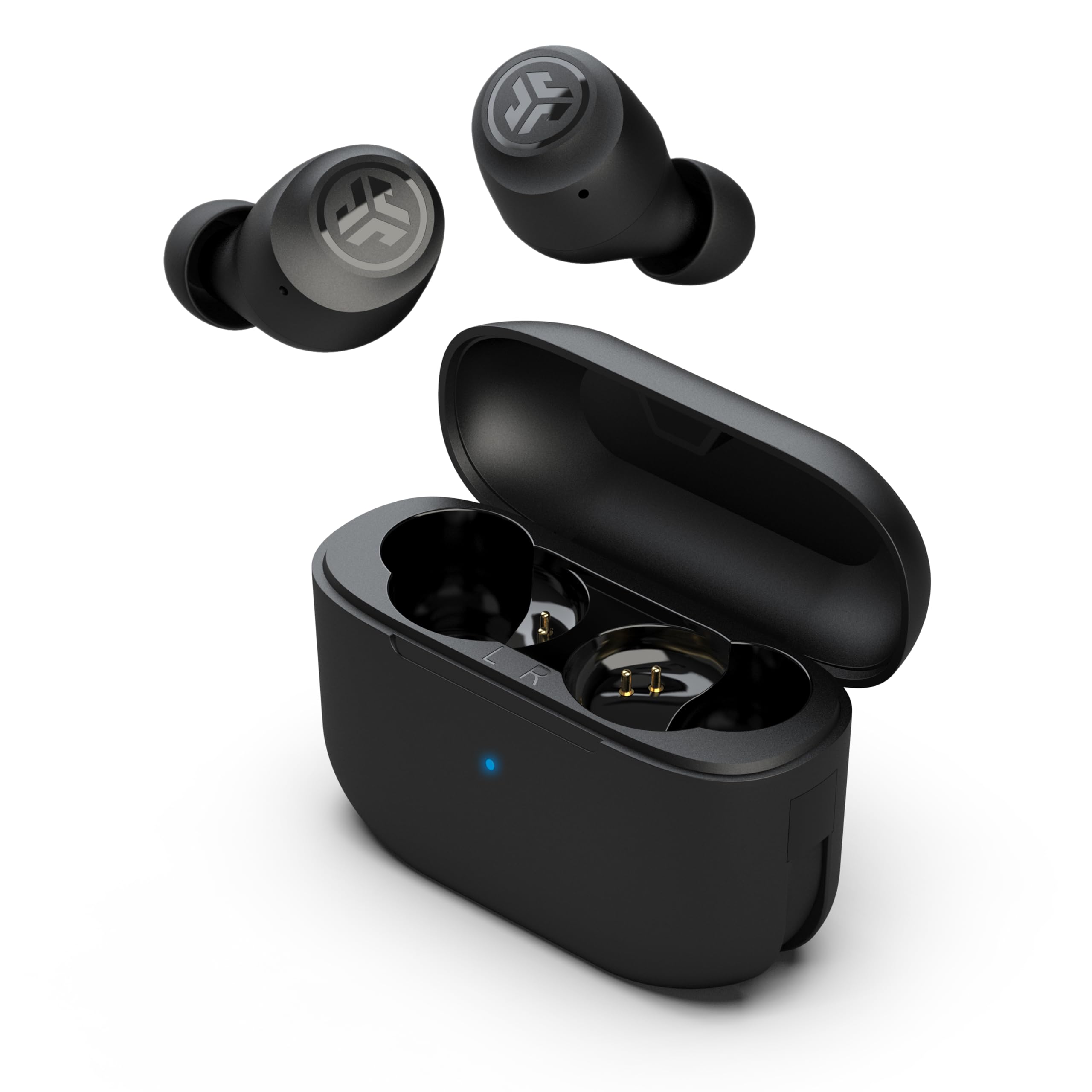
- The charging case has an integrated USB cable for recharging without a separate cord.
- Switch among three EQ sound settings.
- Touch controls handle volume, track changes, calls, and voice assistant activation.
Best Gift For: Someone who wants compact earbuds for calls, music, or a quick workout between work sessions.
HUANUO FlowLift Dual Monitor Desk Mount

- Fits monitors from 13 to 32 inches, weighing 4.4 to 19.8 lbs per arm, with 75x75mm or 100x100mm VESA mounting holes.
- Offers tilt, swivel, and rotation adjustment.
- Built-in cable management guides wires along the arms.
Best Gift For: A desk worker with two compatible monitors who wants to adjust screen position and free up desktop space.
JLab Go Work Wireless On-Ear Headset

- Bluetooth multipoint connects to two devices at once.
- Cloud Foam earcups support all-day comfort.
- A red LED indicates when the boom microphone is muted.
Best Gift For: A remote worker who moves between a laptop and phone for calls and wants a headset with an adjustable microphone.
FIFINE T669 USB Condenser Microphone Kit

- Connects directly to a PC or laptop for recording vocals and podcasts.
- Includes an adjustable boom arm with a 30-inch reach.
- The double pop filter has two layers to dissipate air and minimize popping sounds.
Best Gift For: A new podcaster or video creator setting up a home recording space.
Sleek Socket Outlet Concealer with 3-Outlet Strip
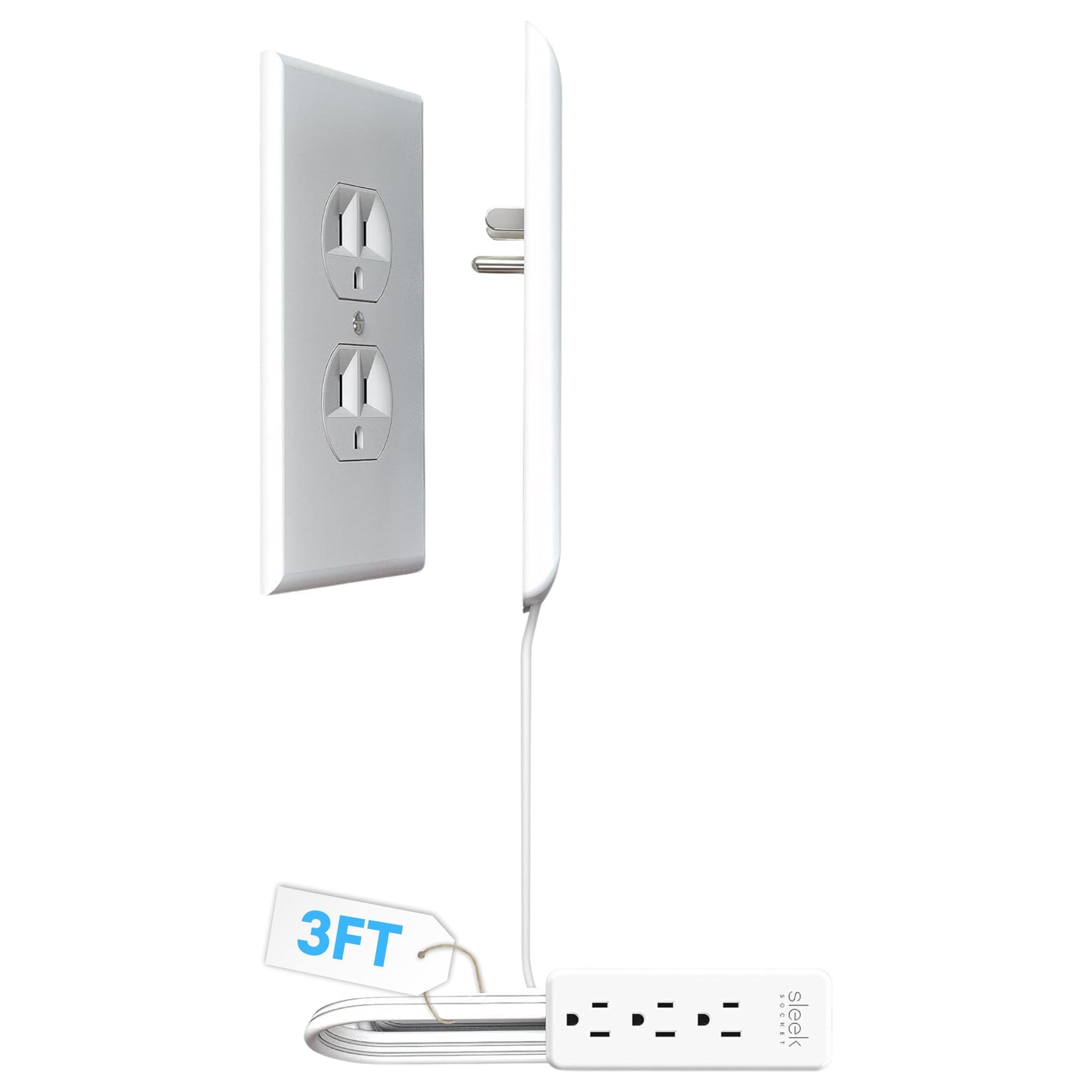
- A flat extension cord is designed to help keep small spaces tidy.
- Includes adhesive cord clips and removable strips.
- The outlet concealer includes a 3-outlet power strip.
Best Gift For: Someone organizing a desk near a standard duplex outlet who wants a less visible cord setup.
Nelko P21 Bluetooth Label Maker, Pink
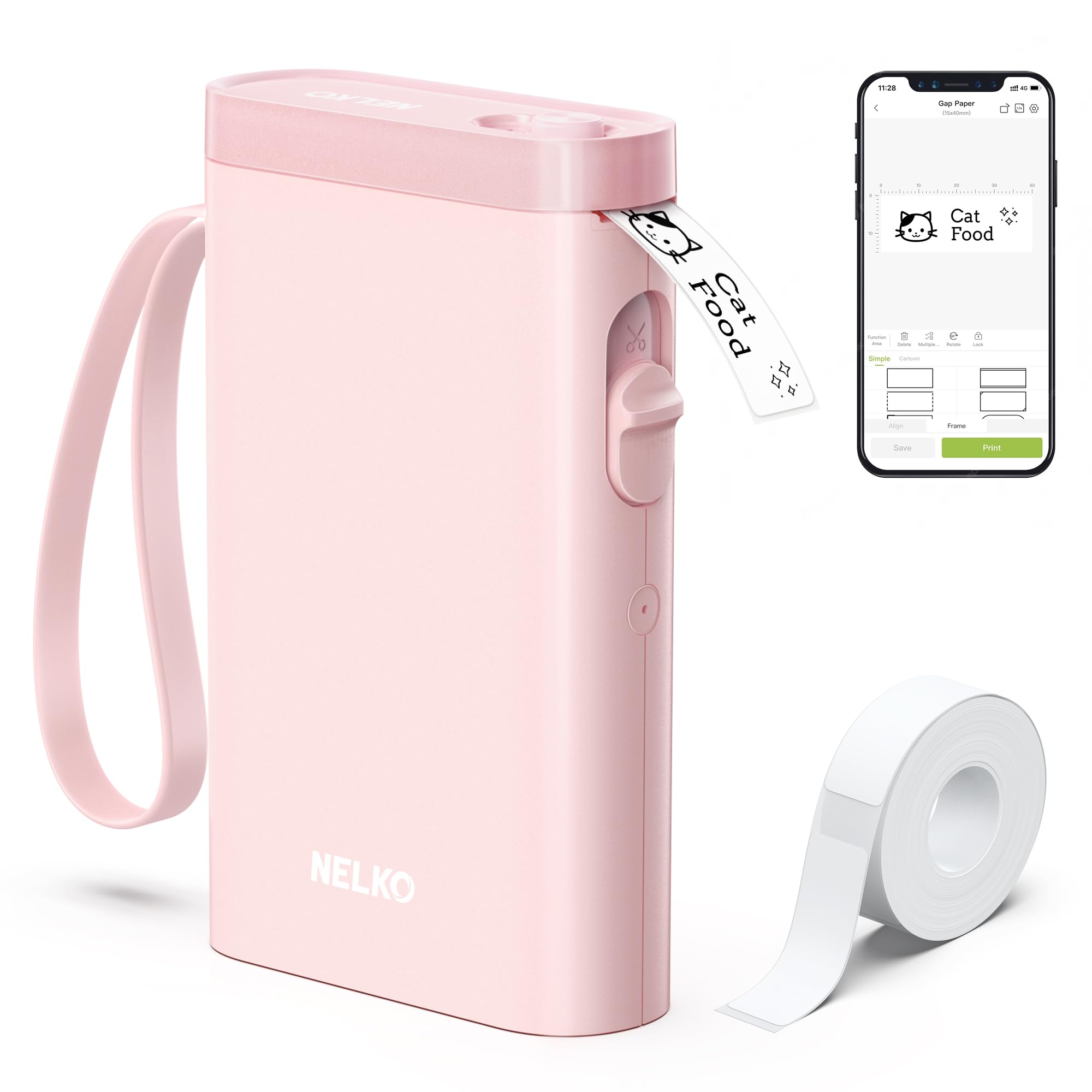
- Connects to iOS and Android phones over Bluetooth.
- Prints monochrome labels without ink or toner.
- The app offers templates and creative elements for designing labels.
Best Gift For: A desk organizer who likes labeling office supplies, notebooks, storage, or mail.
TP-Link Archer AXE75 WiFi 6E Router

- Tri-band WiFi 6E includes a 6 GHz band.
- OFDMA and tri-band technology are designed to increase capacity for simultaneous device connections.
- Supports a OneMesh network when connected to a TP-Link OneMesh extender.
Best Gift For: A home worker considering an internet network upgrade for video calls, streaming, and other connected devices.
SteelSeries Apex Pro Wired Gaming Keyboard

- Offers adjustable actuation with 40 per-key levels.
- The OLED display shows information from games and apps.
- A USB passthrough connects an additional USB-powered device.
Best Gift For: A desk gamer who wants adjustable key actuation and media controls at their computer.
Audioengine A2+ Wireless Computer Speakers

- Designed for desk listening to music, calls, podcasts, games, and movies.
- Connects to a computer through USB-C using its integrated DAC.
- Supports wireless streaming and wired connections through several inputs.
Best Gift For: A music or podcast listener who wants powered speakers for desktop listening.
Nulaxy Pull-Out Height Adjustable Laptop Stand

- Height adjusts from 1.2 to 20 inches.
- The stand folds compactly to save desk space.
- Ventilation holes in the aluminum panel help with heat dissipation.
Best Gift For: A laptop user who alternates between sitting and standing at a home desk.
SteelSeries Rival 5 Gaming Mouse

- The ergonomic layout has nine programmable buttons.
- Includes five quick-action side buttons.
- Uses a TrueMove Air optical gaming sensor.
Best Gift For: A PC gamer who plays fast-paced games and wants programmable controls close at hand.
MAONO Wave T5 Mini Wireless Lavalier Microphone

- Captures audio at 48kHz/24-bit.
- Offers four one-tap voice presets.
- The charging case provides 40 hours of total use.
Best Gift For: A vlogger or video creator who records interviews, tutorials, or clips away from the desk.
Choose Home Office Tech Gifts Around Their Routine
Start with the recipient’s workday. Someone who spends hours on calls may appreciate a headset or microphone, while a creator recording tutorials may get more use from a mic that moves easily between locations.
For home office tech gifts, the best fit is the item that removes a recurring annoyance from their actual routine.
Think about the desk they have, too. A second-screen setup depends on monitor and desk compatibility, while a laptop stand needs to suit both the device and the available space.
For connectivity upgrades, check the recipient’s computer ports and existing network equipment before choosing a hub or router.
If you are unsure what they already own, choose a simple improvement with a clear job: tidier cables, easier labeling, or more comfortable audio. A short conversation with a partner or colleague can reveal which small frustration appears every day, without giving away the exact gift.
Balance Budget and Everyday Use
Set a comfortable spending range before browsing. Small workspace helpers can make thoughtful gifts, while larger audio or networking upgrades suit occasions where you want to make a more substantial contribution.
Compare the product’s role and fit for the recipient rather than choosing by price alone.
When two options solve the same problem, consider how often the person will use the feature. A microphone kit may be worthwhile for someone recording regularly; someone who joins only occasional calls may value a straightforward headset instead.
Check actual prices as you shop, since prices can change.
Remember any supporting purchases or setup needs. A desk mount may need the right monitor and desk, and a router may require a compatible modem or other network equipment.
Review compatibility, dimensions, included cables, and what the recipient already has before deciding how much to spend.
Personalize Home Office Tech Gifts
A practical gift feels more personal when it reflects how the recipient works. Pair a desk audio upgrade with a playlist, or add a handwritten note suggesting a calm break between calls.
For home office tech gifts, a small detail tied to their daily routine can make useful equipment feel chosen especially for them.
Consider the setting where the gift will live. A compact accessory may suit a shared desk or a small apartment, while a larger workstation improvement makes sense when they have a dedicated office.
Ask someone close to them about color preferences, desk space, and whether they like visible gear or a cleaner look.
Presentation can make setup feel approachable. Include a brief note about why you chose it, and keep packaging, cables, and any included parts together.
If the item needs configuration, offer to help them get started only if they would enjoy that; some people prefer setting up their own workspace.
Make Setup and Compatibility Part of the Gift
Tech gifts work best when the recipient can use them without a frustrating setup surprise. Check computer operating system, ports, phone compatibility, screen mounting patterns, desk thickness, and available space where those details apply.
Confirm measurements against the actual desk or device rather than relying on memory.
For sound equipment, think about where it will be used: private calls, shared rooms, recording, or casual listening. A headset, speakers, and microphone serve different routines, so match the setup to the person’s habits.
When you are uncertain, choose something with a clear return path and keep the packaging until they have tried it.
If the gift will be shared by a household, check whether it fits more than one person’s devices or work area. A quick compatibility check can prevent duplicate equipment and help the recipient use the gift right away.
Include a receipt or gift receipt when available, especially for a technical item with model-specific requirements.
Shop Early and Keep a Last-Minute Plan
For a planned occasion, compare delivery estimates early and leave time for the recipient to check fit or compatibility. Avoid assuming a particular delivery date; estimates can shift.
If the item is time-sensitive, confirm the current estimate at checkout and consider whether the recipient would rather choose the exact model themselves.
If time is short, a digital note describing the intended upgrade can still feel thoughtful, especially when paired with a smaller desk accessory you can give in person. You can also ask the recipient to pick between two suitable options, turning an uncertain technical decision into a collaborative choice.
Keep the focus on the person’s workday, not on filling a desk with gadgets. A well-chosen audio, organization, display, or connection upgrade can support the work they already enjoy doing.
That care and a few minutes spent checking fit often matter more than elaborate wrapping.